Daily 2 - Jan 14
Class Performance
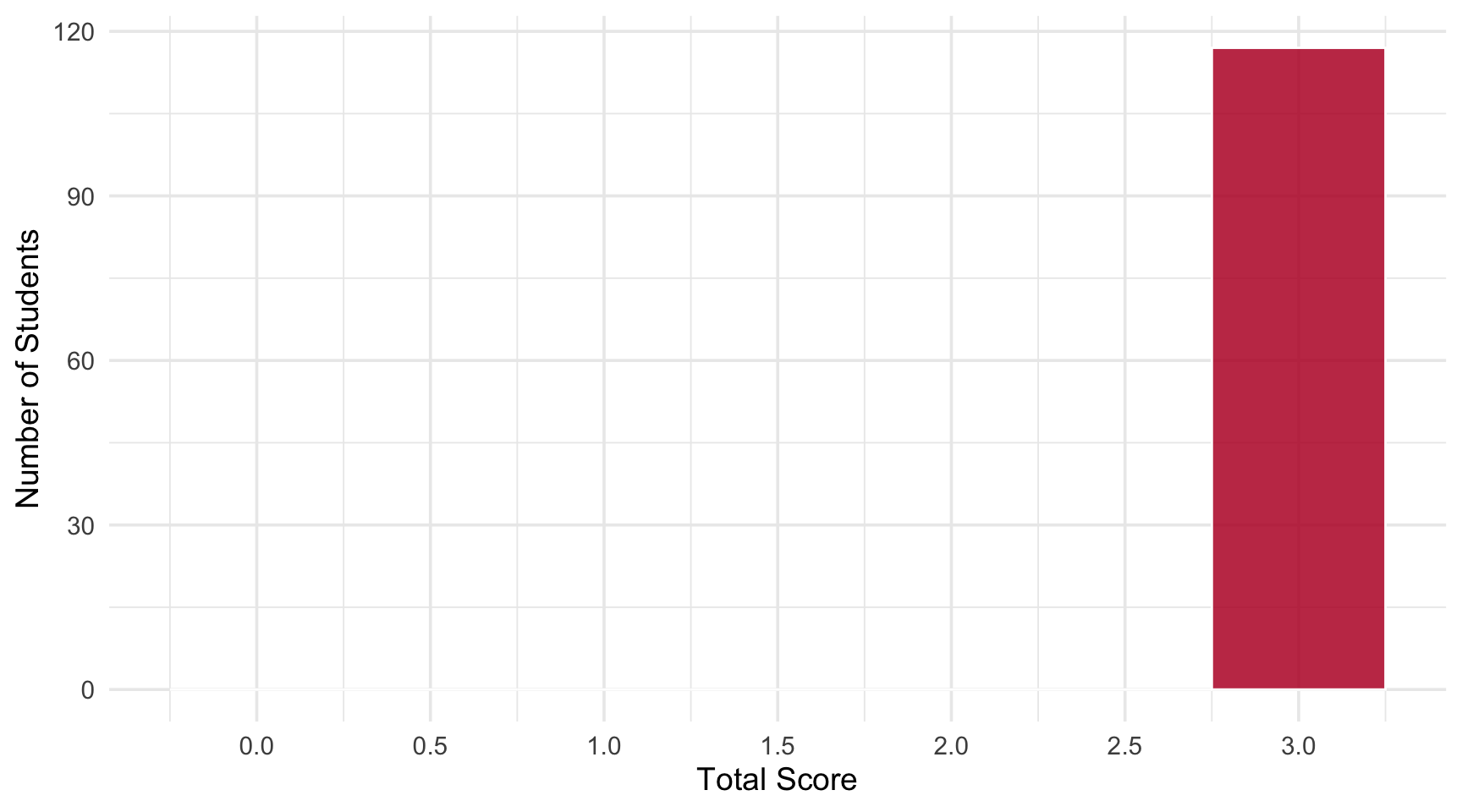
Students: 117 | Mean: 3.00 | Median: 3 | SD: 0.00
Scores ranged from 3 to 3 out of 3 points.
Score Distribution
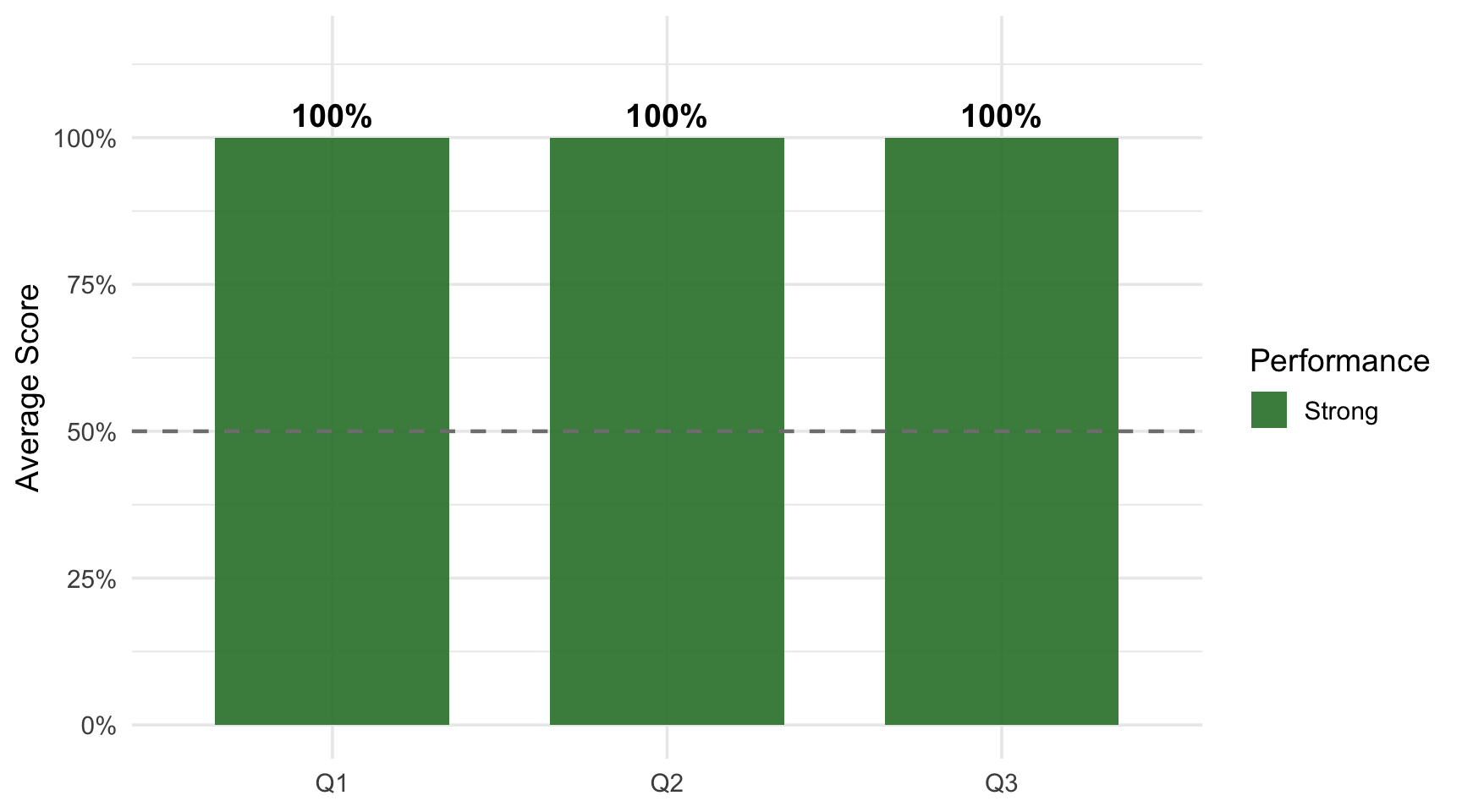
Performance by Question
Questions
Q2: Where did you create your BUSN 5000 folder?
Correct Answer
Desktop (or similar valid location like Documents, a specific drive, etc.)
Common Errors
No common errors observed — All students correctly identified where they created their course folder.
Q3: In R Studio, I can browse the files in my R project directory in the southeast pane under the _____ tab.
Correct Answer
Files — In RStudio, the Files tab in the southeast pane allows you to browse project directory files.
Common Errors
No common errors observed — All students correctly identified the Files tab for browsing project files.
Key Takeaways
Strengths: Excellent class performance! All students demonstrated clear understanding of course policies and RStudio basics.
Looking Ahead:
- Continue building familiarity with RStudio interface
- Remember the electronic device policy throughout the semester
- Use the Files tab for navigating your project directories